

messages, which delivers all inbound customer messages. Without subscribing, Meta stays silent
even after verification passes.
Where to subscribe
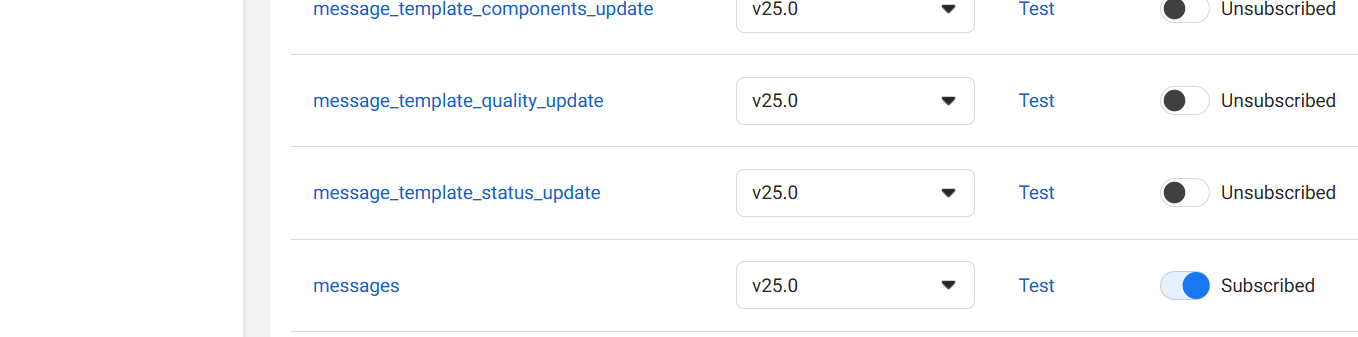
Meta Dashboard → Your App → WhatsApp → Configuration → scroll to Webhook Fields → findmessages → click Subscribe. The toggle turns blue and shows Subscribed.
What the fields do
| Field | What it notifies you about |
|---|---|
messages | All inbound messages + delivery/read statuses |
message_template_status_update | When a template is approved or rejected |
message_template_quality_update | Template quality score changes |
message_template_components_update | Template component changes |
messages.
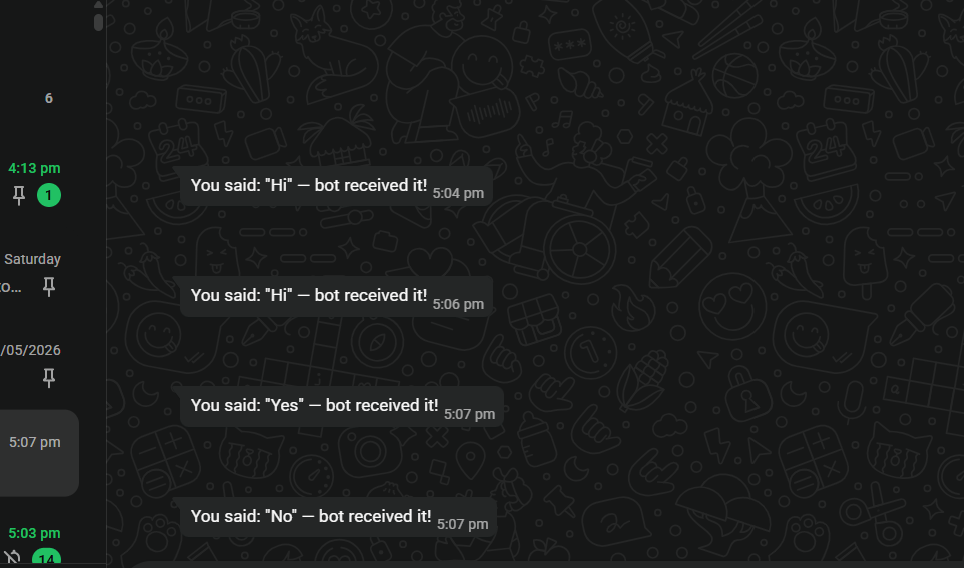
What happens after subscribing — full flow
Reference images
Frequently asked
My webhook passed verification but I'm not receiving messages. Why?
My webhook passed verification but I'm not receiving messages. Why?
You need to also subscribe to the
messages webhook field. Verification just proves you own
the URL — subscription tells Meta to actually send events to it.Do I need to subscribe to all webhook fields?
Do I need to subscribe to all webhook fields?
No. For a basic bot that receives and replies to messages, only
messages is required.How do I know if my subscription is working?
How do I know if my subscription is working?
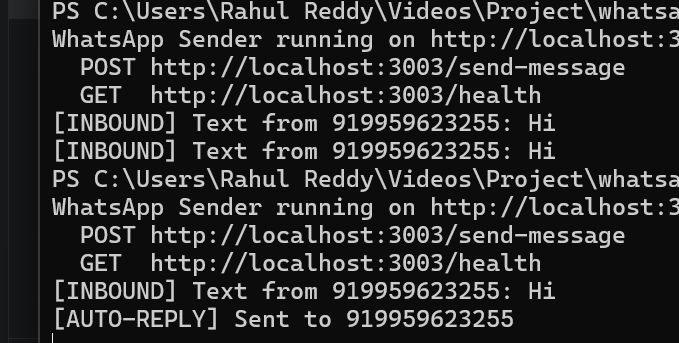
Send a WhatsApp message to your test number from a registered test recipient. Your terminal
should show
[INBOUND] Text from .... If it doesn’t, check that the messages field shows
“Subscribed” in Meta Dashboard.