

type: "text". Text messages can
contain plain text or URLs. When a URL is included, you can optionally turn on a URL
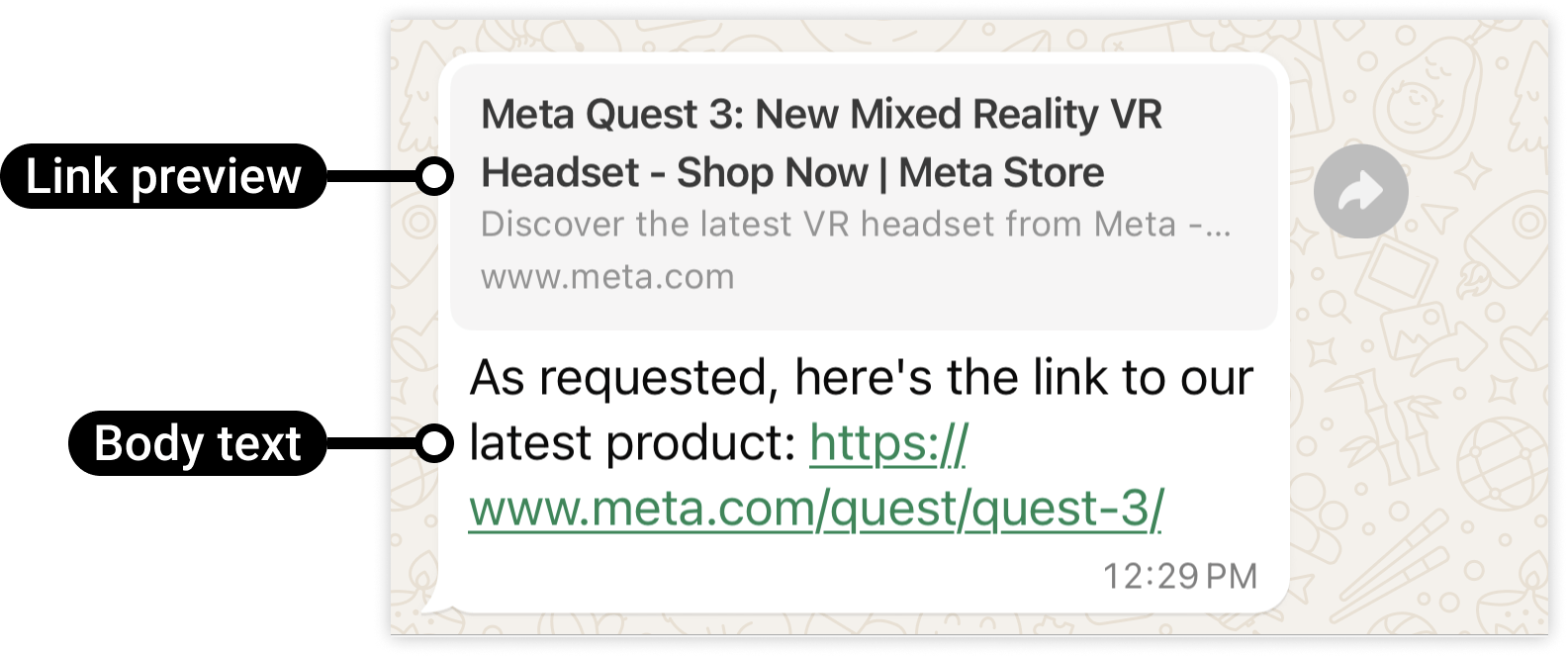
preview that shows the link’s thumbnail, title, and description below the message.
Basic text message
URL preview — on vs off
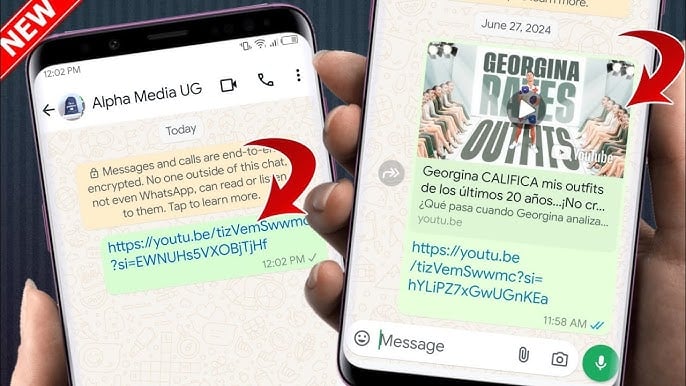
When your message body contains a URL, WhatsApp can show a preview card with the website’s thumbnail, title, and description below the message text.preview_url | Result |
|---|---|
false (default) | Plain text only, no card |
true | WhatsApp fetches the URL and shows a preview card |
body text. If there is no URL in the body,
preview_url: true does nothing.
Frequently asked
Why can't I send a normal text message to a customer?
Why can't I send a normal text message to a customer?
Free text only works inside the 24-hour window after the customer last messaged you. Outside
it, use an approved template. See
The 24-hour window.
My text message failed — why?
My text message failed — why?
Most likely the 24-hour window has closed. If the customer’s last message is over 24 hours
old, switch to a template message.
How do I make a link show a preview card in WhatsApp?
How do I make a link show a preview card in WhatsApp?
Set
preview_url: true in the text object and include the URL in the body. WhatsApp will
fetch the page and render a thumbnail + title below the message.The URL preview isn't showing even though I set preview_url: true — why?
The URL preview isn't showing even though I set preview_url: true — why?
Check that the URL is actually in the
body text. Also, the URL must be publicly accessible
and return a valid page with Open Graph meta tags for WhatsApp to build the preview.What is the maximum length for a text message body?
What is the maximum length for a text message body?
4096 characters.