

Sending a contact card
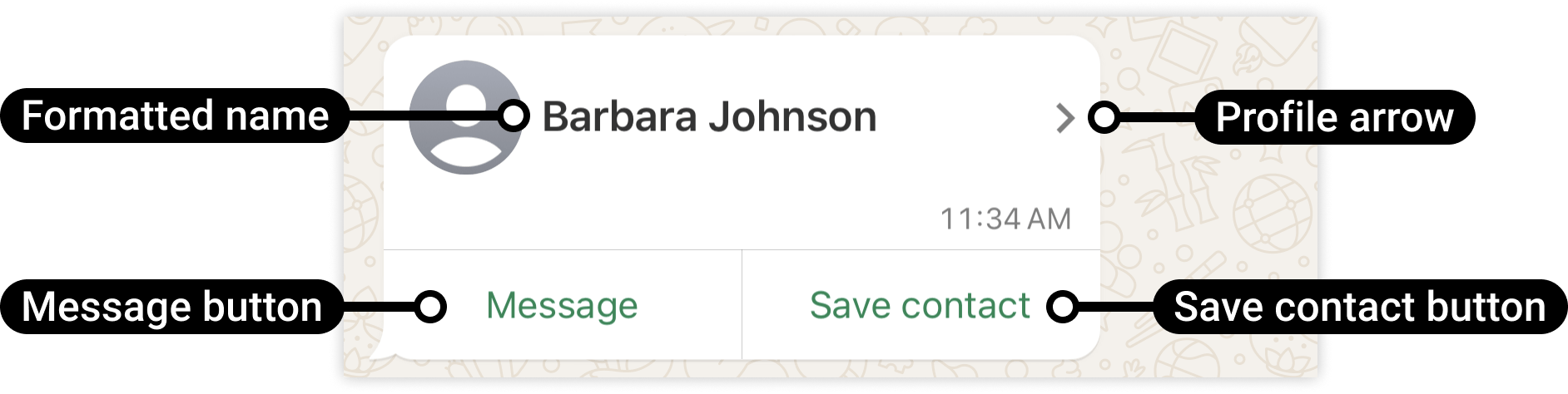
Key fields
| Field | Required | Description |
|---|---|---|
contacts | yes | Array of contact objects (can send multiple at once) |
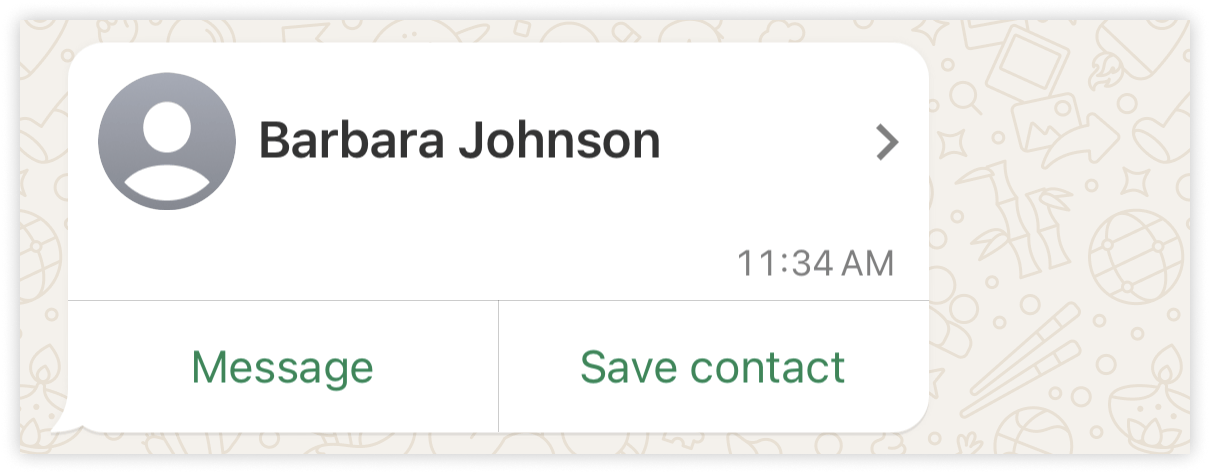
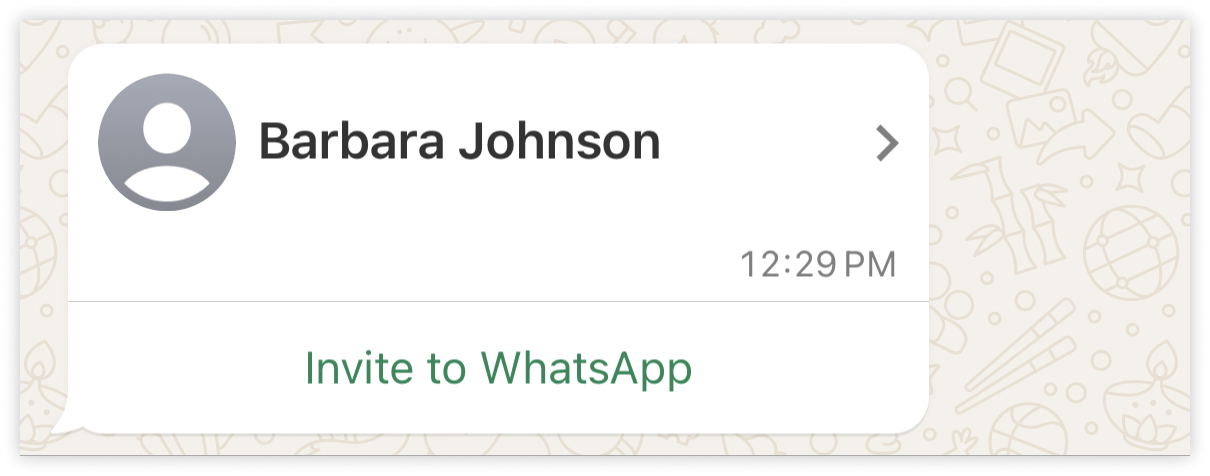
name.formatted_name | yes | Full display name |
phones | no | Array of phone objects with phone, type, wa_id |
emails | no | Array of email objects with email and type |
org | no | Company and department |
name.formatted_name is required. All other fields are optional.
Reference images
Frequently asked
How do I send a contact card on WhatsApp API?
How do I send a contact card on WhatsApp API?
Set
type to "contacts" and provide an array of contact objects. Each contact needs at
minimum name.formatted_name. Add phones and emails as needed.Can I send multiple contacts at once?
Can I send multiple contacts at once?
Yes. The
contacts field is an array — add multiple objects to send several contact cards
in one message.What phone type values are accepted?
What phone type values are accepted?
CELL, MAIN, IPHONE, HOME, WORK. Use MOBILE for a standard mobile number.