

Send by URL
Send by Media ID
Supported formats
| Format | MIME type | Extension | Max size |
|---|---|---|---|
| JPEG | image/jpeg | .jpeg / .jpg | 5 MB |
| PNG | image/png | .png | 5 MB |
- Images must be 8-bit RGB or RGBA.
- Files larger than 5 MB will be rejected by the API.
- Other formats (GIF, WebP, BMP, HEIC) are not supported — convert them to JPEG or PNG before sending.
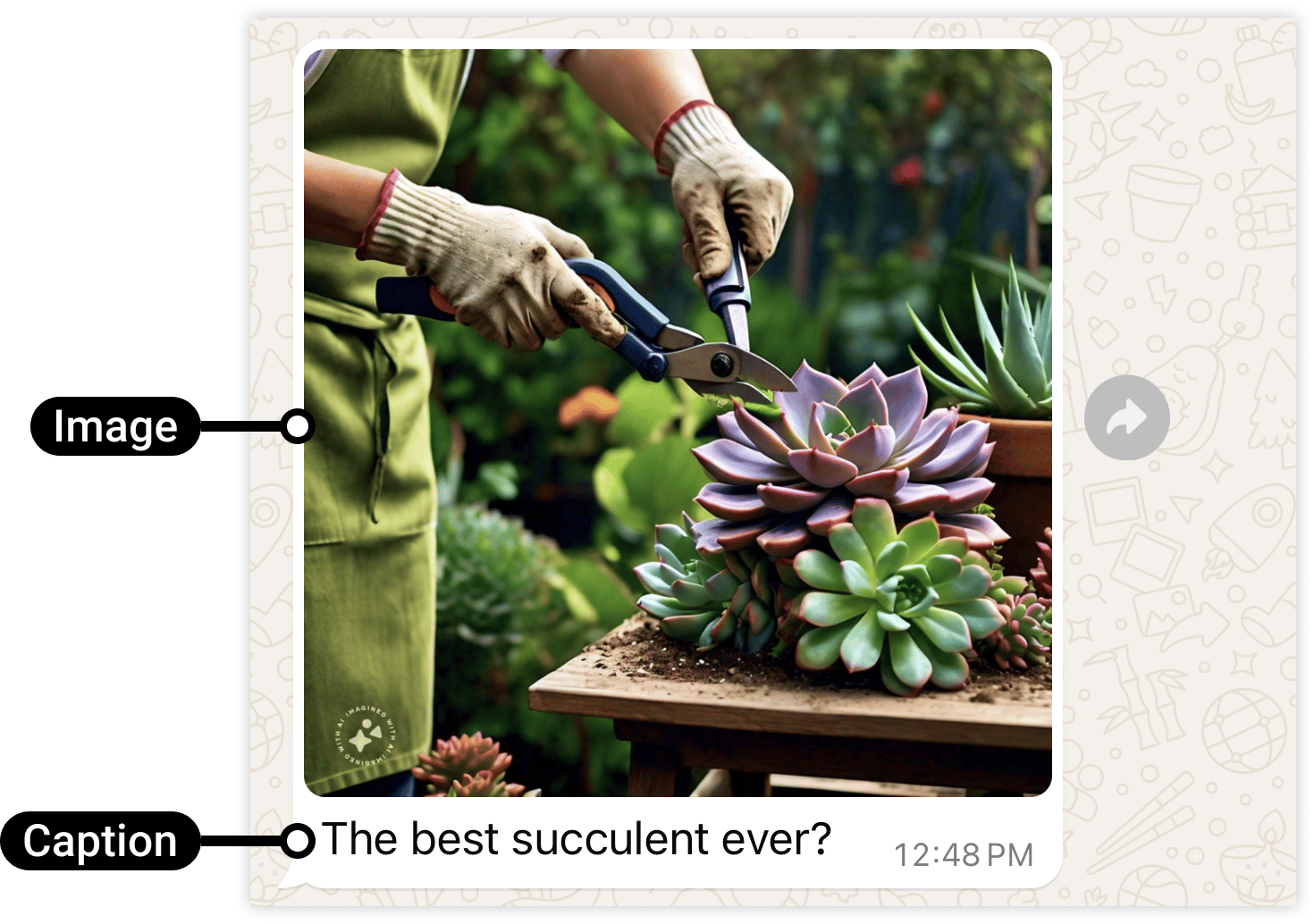
Caption
Thecaption field is optional. It appears as plain text below the image. Max 1024
characters. Leave it out if you only want to send the image.
Reference image
Frequently asked
How do I send an image on WhatsApp API?
How do I send an image on WhatsApp API?
Set
type to "image" in your request body and include either a public https:// URL in
image.link or a previously uploaded media ID in image.id. Optionally add image.caption
for text below the photo.What image formats does WhatsApp support?
What image formats does WhatsApp support?
JPEG and PNG only, max 5 MB each. The image must be 8-bit RGB or RGBA. If you have a
different format, convert it to JPEG or PNG first.
My image isn't sending — what's wrong?
My image isn't sending — what's wrong?
Check three things: (1) the file is JPEG or PNG and under 5 MB, (2) if using a URL it is
public
https:// with no authentication required, (3) the 24-hour customer service window
is open if sending free-form messages. See
The 24-hour window and
Media by URL vs Media ID.Can I add text below the image?
Can I add text below the image?
Yes — use the
caption field in the image object. It accepts plain text up to 1024
characters and appears below the photo in the chat.Can I send a GIF as an image message?
Can I send a GIF as an image message?
No. GIF is not a supported image type. Convert it to JPEG or PNG, or use a video message
for animated content.