

filename field controls what name the recipient sees, and an optional caption adds text
below the document. See Media by URL vs Media ID
for when to use URL vs ID.
Send by URL
Send by Media ID
Upload the file first (see Media by URL vs Media ID), then use the returned ID:When sending by ID, use
id — not link. These are two separate fields; mixing them up
causes the send to fail.Fields
| Field | Required | Description |
|---|---|---|
link | if no id | Public https:// URL to the file |
id | if no link | Media ID from a prior upload |
filename | no | The filename displayed to the recipient. Defaults to the original filename if omitted. Always set this to give the recipient a meaningful name. |
caption | no | Plain text shown below the document, max 1024 characters |
Supported document types
| Type | Extension | MIME type | Max size |
|---|---|---|---|
.pdf | application/pdf | 100 MB | |
| Microsoft Word | .doc | application/msword | 100 MB |
| Microsoft Word | .docx | application/vnd.openxmlformats-officedocument.wordprocessingml.document | 100 MB |
| Microsoft Excel | .xls | application/vnd.ms-excel | 100 MB |
| Microsoft Excel | .xlsx | application/vnd.openxmlformats-officedocument.spreadsheetml.sheet | 100 MB |
| Microsoft PowerPoint | .ppt | application/vnd.ms-powerpoint | 100 MB |
| Microsoft PowerPoint | .pptx | application/vnd.openxmlformats-officedocument.presentationml.presentation | 100 MB |
| Plain text | .txt | text/plain | 100 MB |
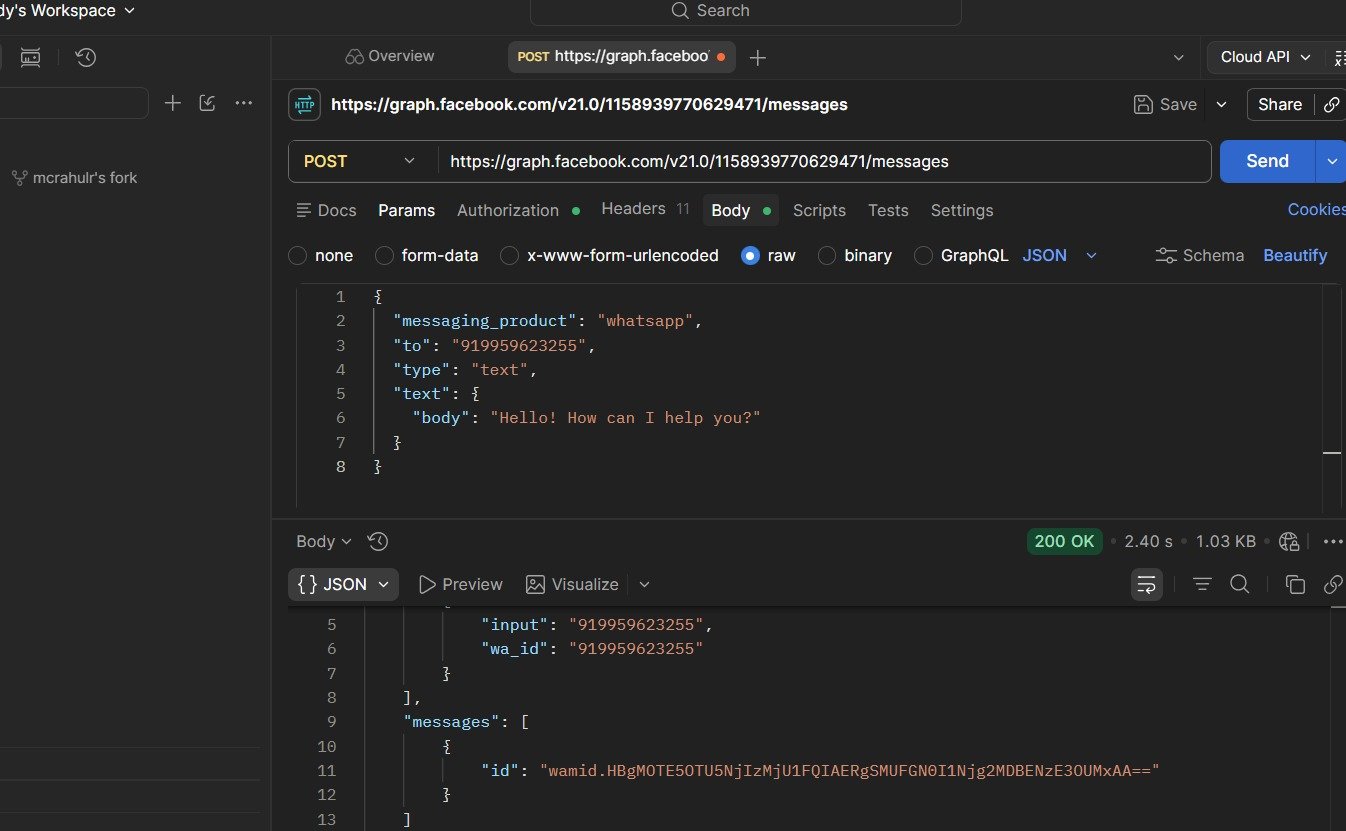
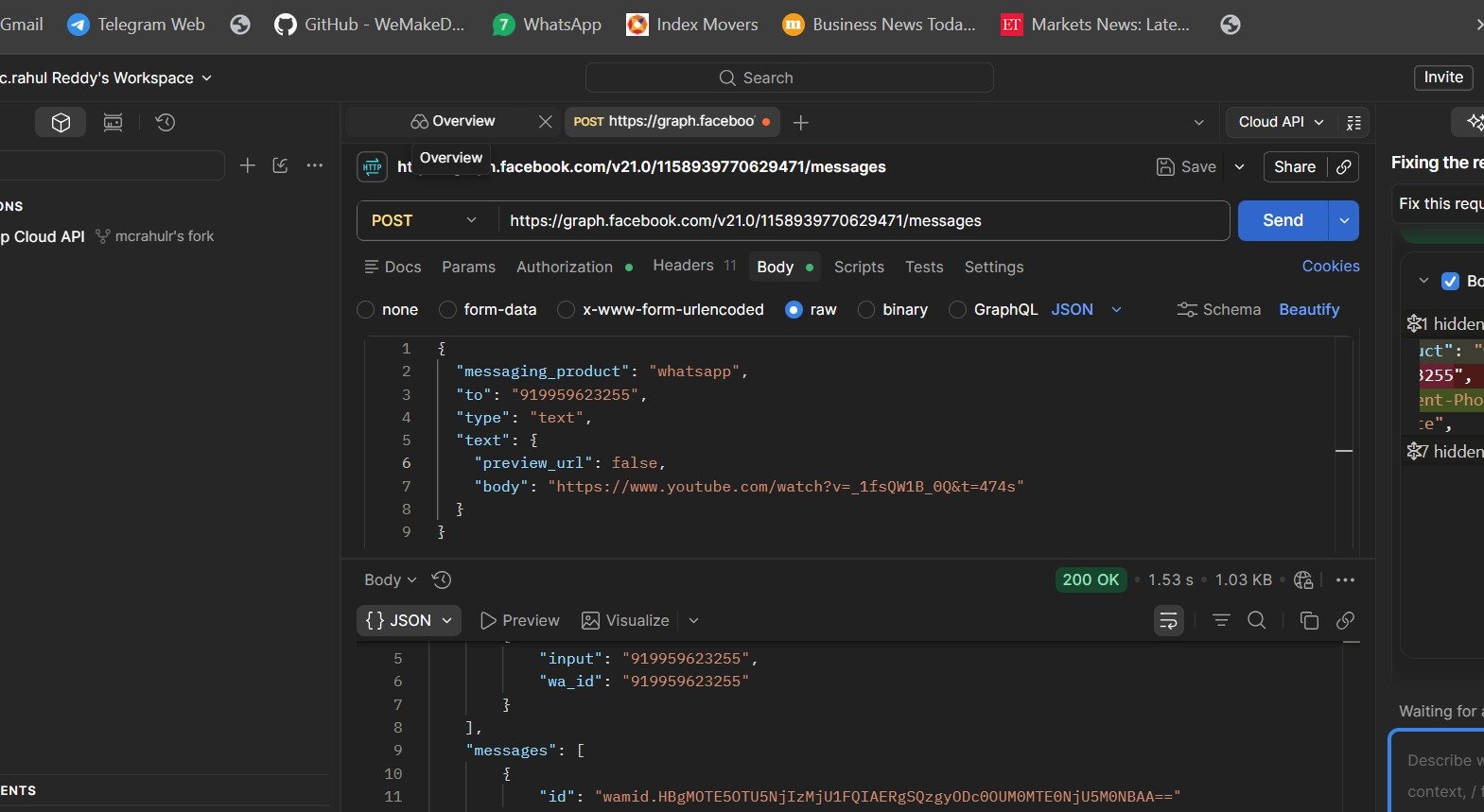
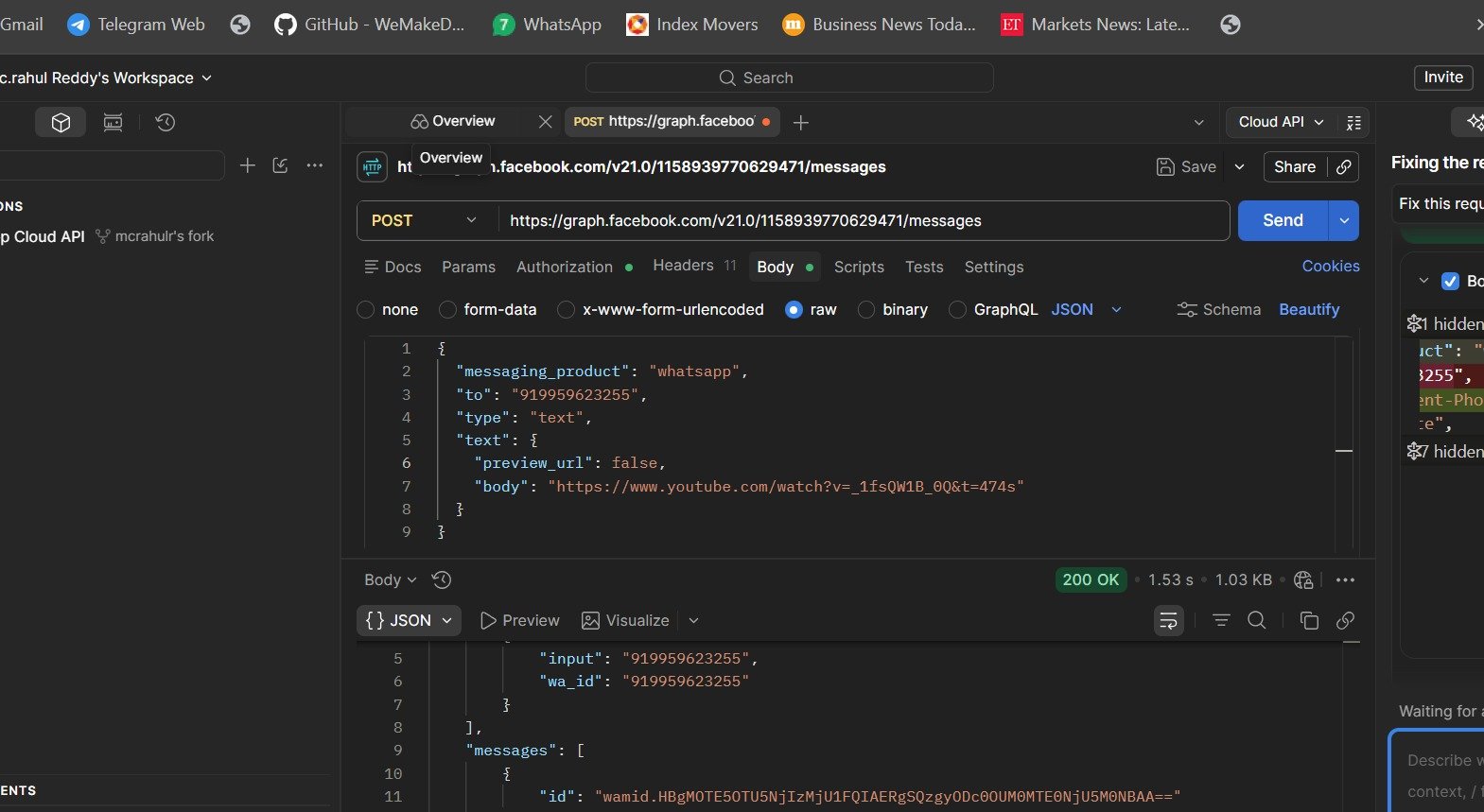
Reference images
Frequently asked
How do I send a PDF on WhatsApp API?
How do I send a PDF on WhatsApp API?
Set
type to "document" and provide either a public URL in document.link or a media ID
in document.id. Set document.filename to give the file a meaningful name for the
recipient.What file types can I send as a document on WhatsApp?
What file types can I send as a document on WhatsApp?
PDF, Word (.doc/.docx), Excel (.xls/.xlsx), PowerPoint (.ppt/.pptx), and plain text (.txt).
All support up to 100 MB.
How do I control the filename the recipient sees?
How do I control the filename the recipient sees?
Use the
filename field in the document object. For example,
"filename": "June_Invoice.pdf". If you omit it, WhatsApp uses the original filename from
the URL or upload.Can I add a message with the document?
Can I add a message with the document?
Yes — use the
caption field. It appears as text below the document in the chat, up to
1024 characters.My document isn't sending — what should I check?
My document isn't sending — what should I check?
Check: (1) the file type is in the supported list above, (2) the file is under 100 MB, (3)
if using a URL it is public
https:// with no auth, (4) you used id (not link) when
sending by media ID.