

How the window works
When a customer sends any message to your WhatsApp Business number, a 24-hour window opens. During this window you can send text, images, documents, video, audio, stickers — any message type. After 24 hours with no new message from the customer, the window closes.The window is rolling (resets with each message)
The 24-hour timer resets every time the customer sends a new message. Example:- Customer sends “hi” at 10:00 AM → window open until 10:00 AM next day
- Customer sends “hello” again at 2:00 PM → window resets, now open until 2:00 PM next day
- The window does NOT close at the original 10:00 AM — it follows the most recent customer message.
Outside the window — templates only
When the window is closed (no customer message in the last 24 hours), you can only send Meta-approved message templates. Free-form text, images, and other message types will fail. This requirement exists to stop businesses from freely messaging customers who never opted in — templates must be created and submitted to Meta for approval before they can be used.Reopening the window
If you send a template and the customer replies (any reply — even “yes” or “no”), the 24-hour window reopens and you can send free-form messages again.Reference image
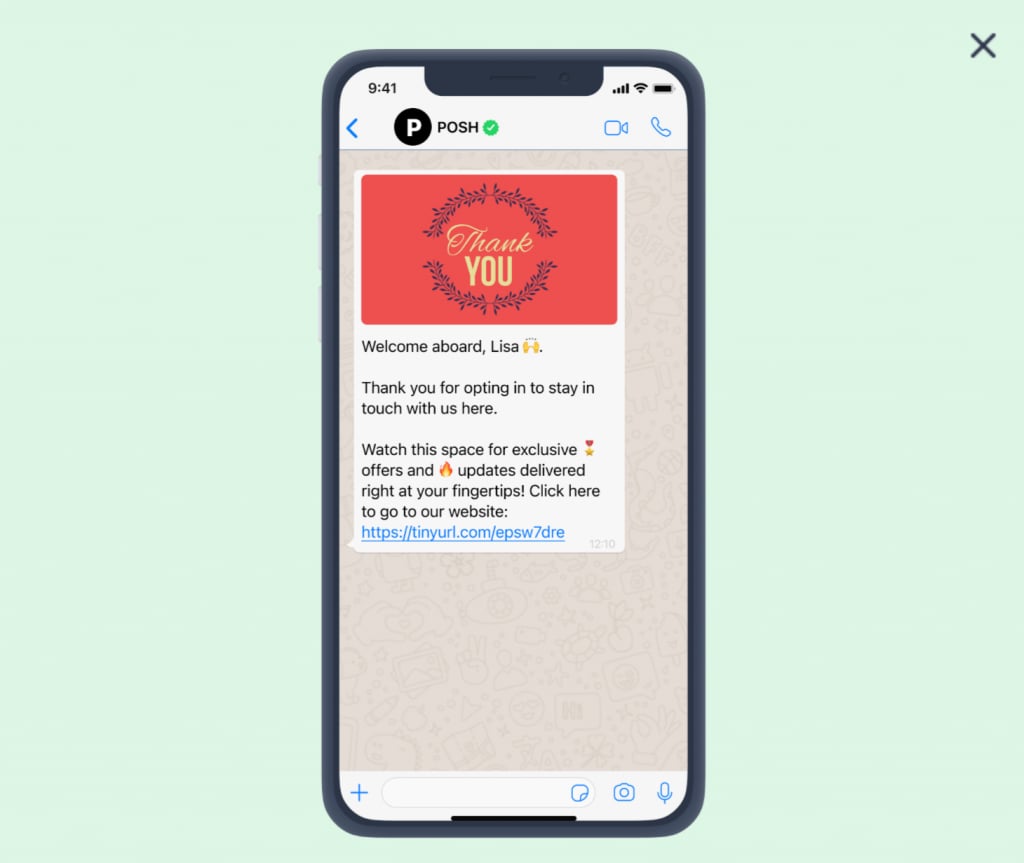
A WhatsApp template message sent outside the 24-hour window, prompting the customer to reply.
Frequently asked
Why can't I send a message to a customer I messaged yesterday?
Why can't I send a message to a customer I messaged yesterday?
The 24-hour customer service window has closed. Your customer hasn’t sent you a message in
the last 24 hours. You can only send a pre-approved template message to re-engage them.
What is the 24-hour window in WhatsApp?
What is the 24-hour window in WhatsApp?
When a customer messages your WhatsApp Business number, a 24-hour window opens during which
you can send any message type. After 24 hours of silence from the customer, the window
closes and only approved templates can be sent.
Does the 24-hour timer reset if the customer messages again?
Does the 24-hour timer reset if the customer messages again?
Yes. The window is rolling — it resets to 24 hours from the customer’s most recent message.
If they message at 10 AM and again at 2 PM, the window is open until 2 PM the next day, not
10 AM.
How do I message a customer when the window is closed?
How do I message a customer when the window is closed?
Send an approved template message. If the customer replies to it, the window reopens and
you can send normal messages again.
Why does WhatsApp have this 24-hour rule?
Why does WhatsApp have this 24-hour rule?
To prevent businesses from spamming users. The rule ensures businesses can only send
free-form messages in response to a customer-initiated conversation.