

Send by URL
Send by Media ID
Format requirements
| Type | Format | Max size | Dimensions |
|---|---|---|---|
| Static sticker | WebP | 100 KB | 512 × 512 px |
| Animated sticker | WebP | 500 KB | 512 × 512 px |
- Only WebP is accepted. PNG, GIF, and other formats will fail.
- Stickers do not support a
captionfield.
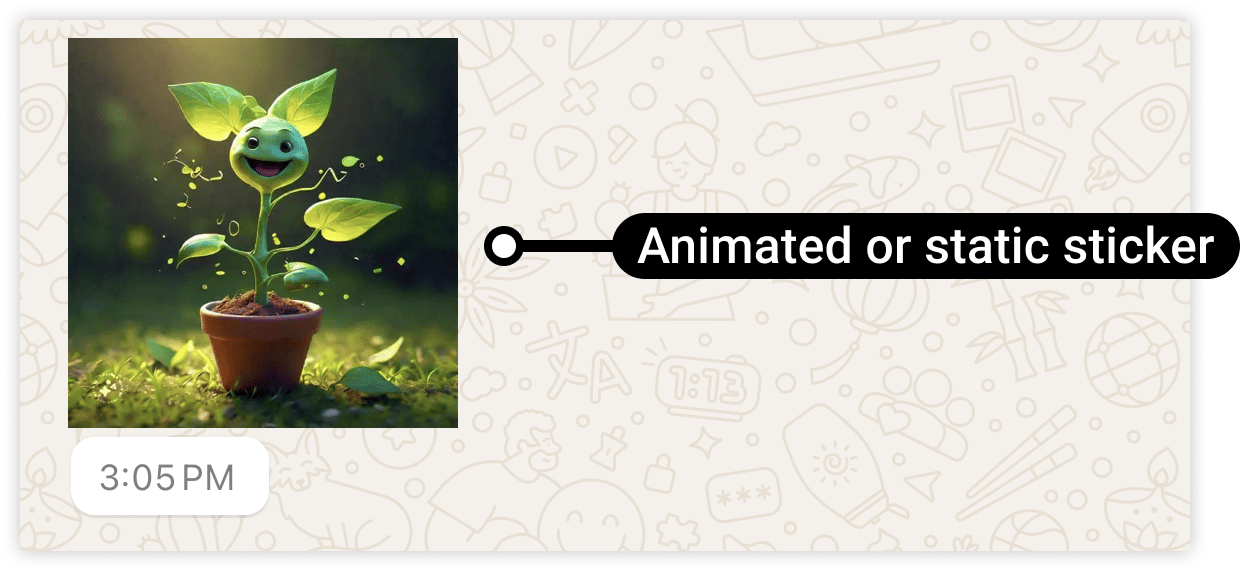
Reference image
Frequently asked
How do I send a sticker on WhatsApp API?
How do I send a sticker on WhatsApp API?
Set
type to "sticker" and provide the WebP file in sticker.link or sticker.id. The
file must be WebP format, 512×512 px, and under 100 KB (static) or 500 KB (animated).What format does a WhatsApp sticker need to be?
What format does a WhatsApp sticker need to be?
WebP only. Convert your image or GIF to WebP before sending. Static stickers must be under
100 KB, animated under 500 KB.
Can I add a caption to a sticker?
Can I add a caption to a sticker?
No. Stickers do not support captions.