

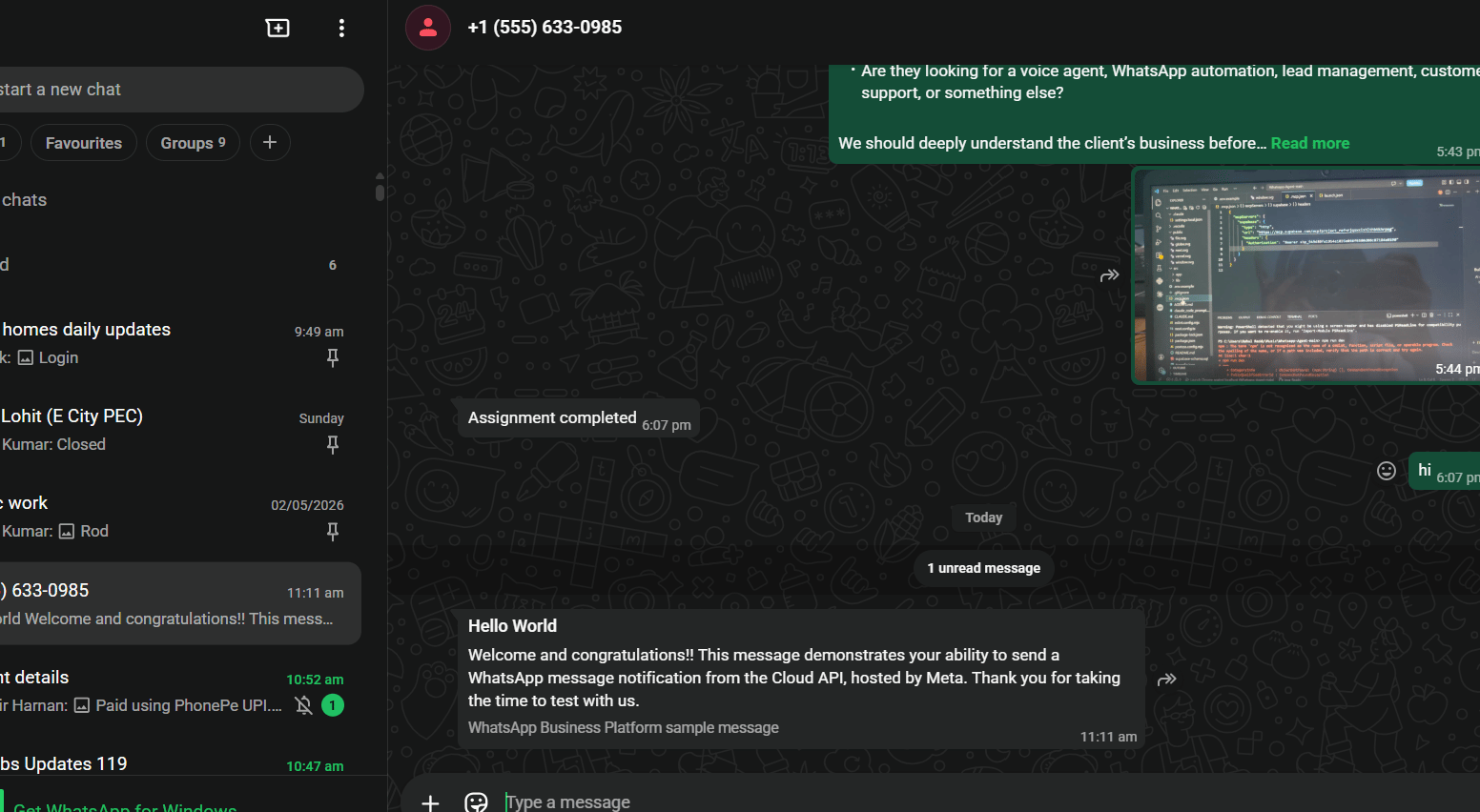
hello_world template is a pre-approved message template Meta provides in every new
developer account. It is the standard way to send your first test API call and confirm the
integration is working. Unlike free-form text, templates work without any prior conversation —
you can send them to any verified recipient at any time.
Sending the hello_world template
“Hello World! 👋 This is a test message from the WhatsApp Business Platform.”On success, Meta returns a
wamid message ID:
Why a template and not plain text? Plain text messages (
type: text) only work inside the
24-hour customer service window — meaning the recipient must have messaged you first. Templates
bypass this restriction. See Sending text messages.Reference image
Frequently asked
How do I send my first WhatsApp message to test my integration?
How do I send my first WhatsApp message to test my integration?
Use the
hello_world template. Set type to "template", set template.name to
"hello_world" and template.language.code to "en_US". This template is pre-approved and
available in every new developer account.Why can't I just send a text message for my first test?
Why can't I just send a text message for my first test?
Free-form text only works inside the 24-hour window — the recipient must have messaged you
first within the last 24 hours. For a first test there is no prior conversation, so you must
use a template.
The hello_world template isn't working — what should I check?
The hello_world template isn't working — what should I check?
First confirm the recipient number is added and verified in your Meta dashboard under API
Setup → “To” field. Meta sends a WhatsApp verification code to that number and you must
enter it. If verified and it still fails, check the error code —
133010 means the number
is not on WhatsApp, 131030 means it is not in the test recipients list.Can I use hello_world in production?
Can I use hello_world in production?
No. It is a test template only. In production you create your own approved templates. See
Why templates exist.