

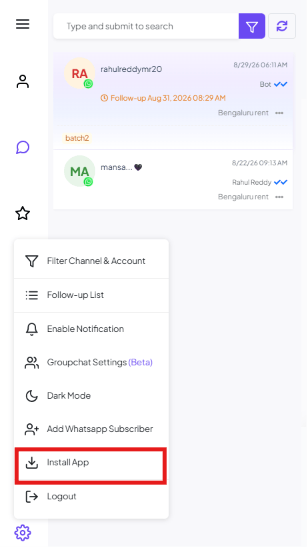
Filter Channel & Account
Switch which WhatsApp number or channel the inbox shows — see Filter Conversations by Channel & Account for the full walkthrough.Follow-up List
See every scheduled follow-up reminder across all conversations in one table, and export them — see Follow-up Reminders & Message Sequences for how to create one.Enable Notification
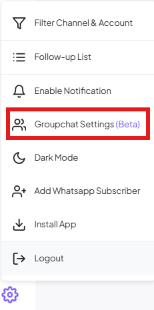
Turns on browser/desktop notifications for new messages, so you don’t have to keep the Shared Inbox tab in view to know a customer replied.Groupchat Settings (Beta)
1
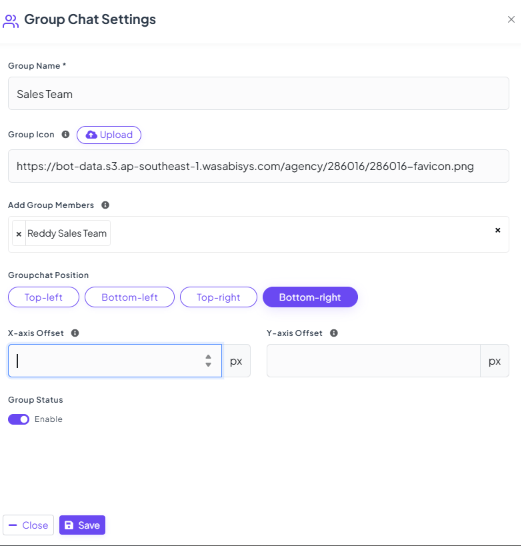
Name the group
e.g.
Sales Team.2
Upload a Group Icon (optional)
A small image shown on the floating widget.
3
Add Group Members
Pick which teammates or teams can see and use this group chat, e.g.
Reddy Sales Team.4
Set the Groupchat Position
Where the floating widget sits on screen — Top-left, Bottom-left, Top-right, or Bottom-right.
5
Fine-tune with X-axis / Y-axis Offset (optional)
Nudge the widget’s exact pixel position if it overlaps something else on screen.
6
Turn on Group Status
The Enable toggle controls whether the widget shows at all.
7
Click Save
Publishes the widget.
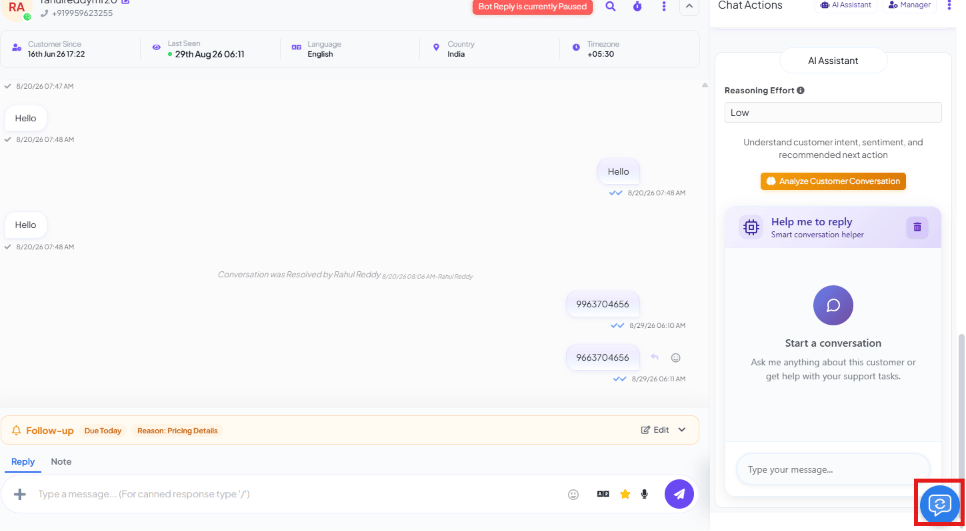
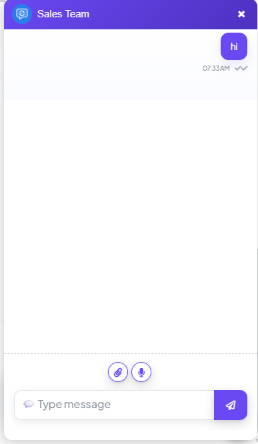
Sales Team group chat lets the whole sales team coordinate on a big lead
without leaving the Shared Inbox or switching to a separate messaging app.
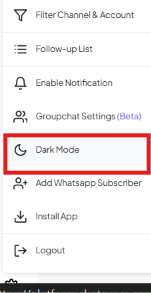
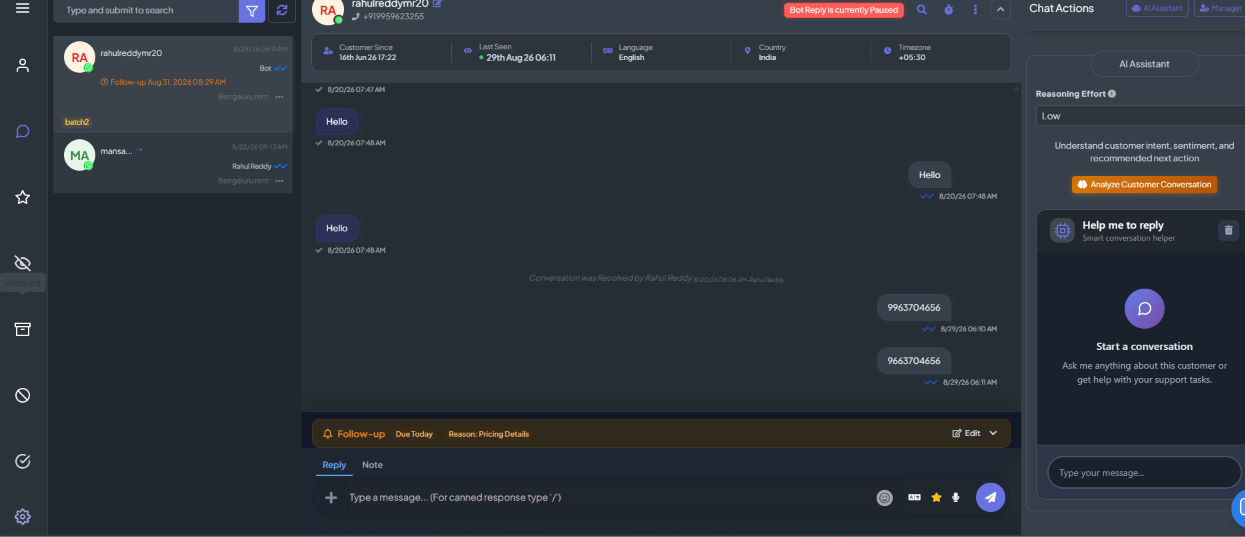
Dark Mode
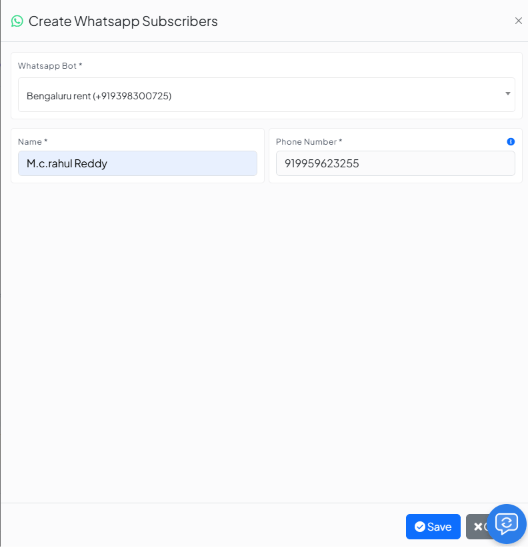
Add Whatsapp Subscriber
Install App

Logout
Signs you out of ChatSyncs.Frequently asked
Can my team chat with each other inside ChatSyncs, separate from customer conversations?
Can my team chat with each other inside ChatSyncs, separate from customer conversations?
Yes — Groupchat Settings (Beta). Create a group, add members, and a floating widget lets
the team chat without leaving the Shared Inbox.
Can I move the Groupchat widget if it overlaps something else on screen?
Can I move the Groupchat widget if it overlaps something else on screen?
Yes — set Groupchat Position to a different corner, or fine-tune it with the X-axis
and Y-axis Offset fields.
Can I use ChatSyncs without a browser tab open?
Can I use ChatSyncs without a browser tab open?
Yes — Install App installs it as a standalone desktop app, pinned like any other
installed application.
Is there another way to add a subscriber besides Subscriber Manager?
Is there another way to add a subscriber besides Subscriber Manager?
Yes — Add Whatsapp Subscriber in the Settings menu opens the same Create Subscribers
modal without leaving the Shared Inbox.