

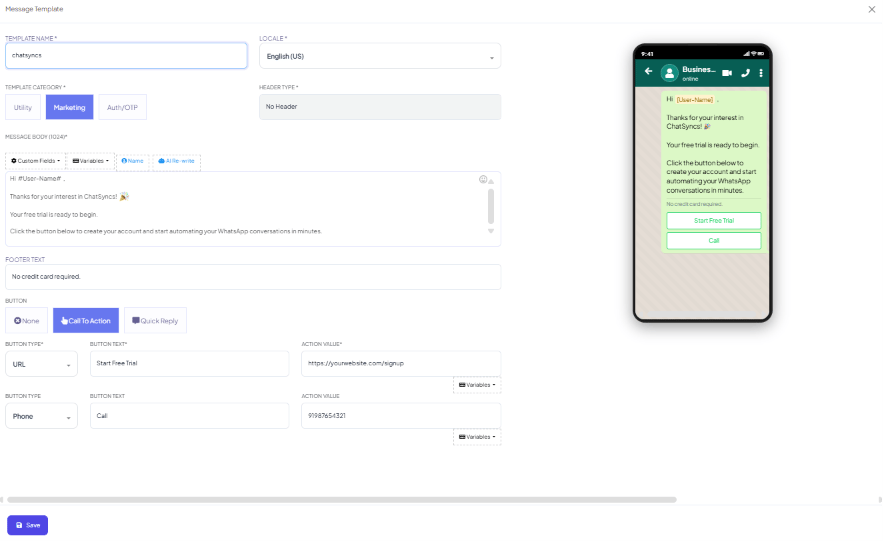
- Header (optional) — text or media
- Body (required) — the main message text
- Footer (optional) — small static text
- Buttons (optional) — a few Call-to-Action or Quick Reply buttons
Limits by field
Why media templates get a shorter body
A template with an image, video, or document header is a media template — its body is capped at 1,024 characters even though a plain text template can go up to 4,096. If your message needs to be long, either drop the media header or trim the body to fit.Frequently asked
My template body got cut off — what's the limit?
My template body got cut off — what's the limit?
4,096 characters for a standard template (text header or no header), but only 1,024
characters if the template has an image, video, or document header. At submission time,
Meta enforces 1,024 either way.
Does a #name# placeholder count as 1 character or the length of the actual name?
Does a #name# placeholder count as 1 character or the length of the actual name?
1 character, when Meta checks the body against its submission limit. The real value (e.g.
“Rahul”) only appears when the message is actually sent.