> ## Documentation Index
> Fetch the complete documentation index at: https://docs.chatsyncs.com/llms.txt
> Use this file to discover all available pages before exploring further.
# The 24-Hour Customer Service Window
> The 24-hour customer service window in the WhatsApp Cloud API — what it is, how the rolling timer works, what you can send inside vs outside the window, and how to reach a customer when the window is closed. Use when a customer asks why their message failed after 24 hours, why they can only send templates to some users, or how the WhatsApp messaging window works.
The 24-hour customer service window is a Meta rule that controls when a WhatsApp Business
number can send free-form messages. It opens the moment a customer sends a message and stays
open for 24 hours. Outside this window, only pre-approved templates can be sent. The rule
exists to prevent businesses from spamming users.
## How the window works
When a customer sends **any** message to your WhatsApp Business number, a 24-hour window
opens. During this window you can send text, images, documents, video, audio, stickers — any
message type. After 24 hours with no new message from the customer, the window closes.
## The window is rolling (resets with each message)
The 24-hour timer resets every time the **customer** sends a new message.
**Example:**
* Customer sends "hi" at **10:00 AM** → window open until **10:00 AM next day**
* Customer sends "hello" again at **2:00 PM** → window resets, now open until **2:00 PM next day**
* The window does NOT close at the original 10:00 AM — it follows the most recent customer message.
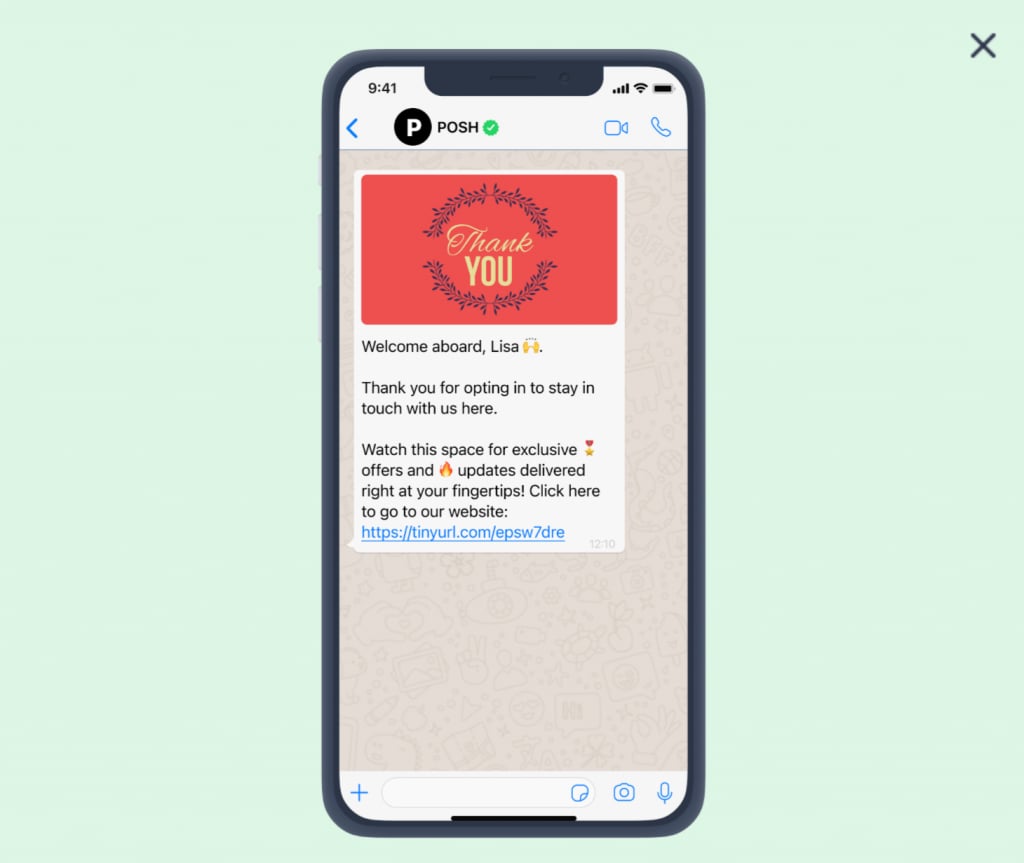
## Outside the window — templates only
When the window is closed (no customer message in the last 24 hours), you can only send
**Meta-approved message templates**. Free-form text, images, and other message types will
fail. Templates must be created and submitted to Meta for approval before use. See
[Why templates exist](/meta-api/templates/why-templates-exist).
## Reopening the window
If you send a template and the customer **replies** (any reply — even "yes" or "no"), the
24-hour window reopens and you can send free-form messages again.
## Reference image
 ## Frequently asked
The 24-hour customer service window has closed. Your customer hasn't sent you a message in
the last 24 hours. You can only send a pre-approved template message to re-engage them.
When a customer messages your WhatsApp Business number, a 24-hour window opens during which
you can send any message type. After 24 hours of silence from the customer, the window
closes and only approved templates can be sent.
Yes. The window is rolling — it resets to 24 hours from the customer's most recent message.
If they message at 10 AM and again at 2 PM, the window is open until 2 PM the next day, not
10 AM.
Send an approved template message. If the customer replies to it, the window reopens and
you can send normal messages again.
To prevent businesses from spamming users. The rule ensures businesses can only send
free-form messages in response to a customer-initiated conversation.
## Gotchas & common mistakes
* **Sending free-form text outside the window** — results in a failed message error. Always
check whether the window is open before sending non-template messages.
* **Thinking the window is fixed** — the window resets with every customer message.
* **Sending a template and not waiting for a reply** — the window only reopens when the
customer replies. Sending another template without a reply does not reopen it.
* **Confusing the 24-hour window with template approval** — templates must be created and
approved by Meta in advance. See [Why templates exist](/meta-api/templates/why-templates-exist).
## Frequently asked
The 24-hour customer service window has closed. Your customer hasn't sent you a message in
the last 24 hours. You can only send a pre-approved template message to re-engage them.
When a customer messages your WhatsApp Business number, a 24-hour window opens during which
you can send any message type. After 24 hours of silence from the customer, the window
closes and only approved templates can be sent.
Yes. The window is rolling — it resets to 24 hours from the customer's most recent message.
If they message at 10 AM and again at 2 PM, the window is open until 2 PM the next day, not
10 AM.
Send an approved template message. If the customer replies to it, the window reopens and
you can send normal messages again.
To prevent businesses from spamming users. The rule ensures businesses can only send
free-form messages in response to a customer-initiated conversation.
## Gotchas & common mistakes
* **Sending free-form text outside the window** — results in a failed message error. Always
check whether the window is open before sending non-template messages.
* **Thinking the window is fixed** — the window resets with every customer message.
* **Sending a template and not waiting for a reply** — the window only reopens when the
customer replies. Sending another template without a reply does not reopen it.
* **Confusing the 24-hour window with template approval** — templates must be created and
approved by Meta in advance. See [Why templates exist](/meta-api/templates/why-templates-exist).